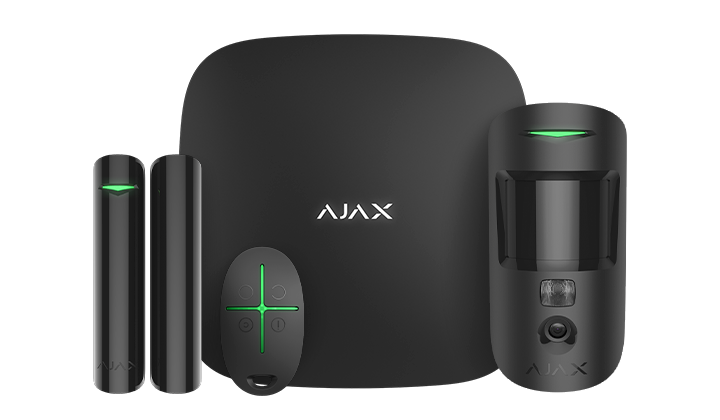
Alarm Kit
Ajax StarterKit Cam
- Brand
- Ajax
- Model
- StarterKit Cam
- Part number
- AJAX-STARTERKITCAM
- Availability
- Ordered on demand
A starter system with photo verification of alarms
Request a quoteWhat this is for
Ajax StarterKit Cam: see the break-in, not just an alert that one happened
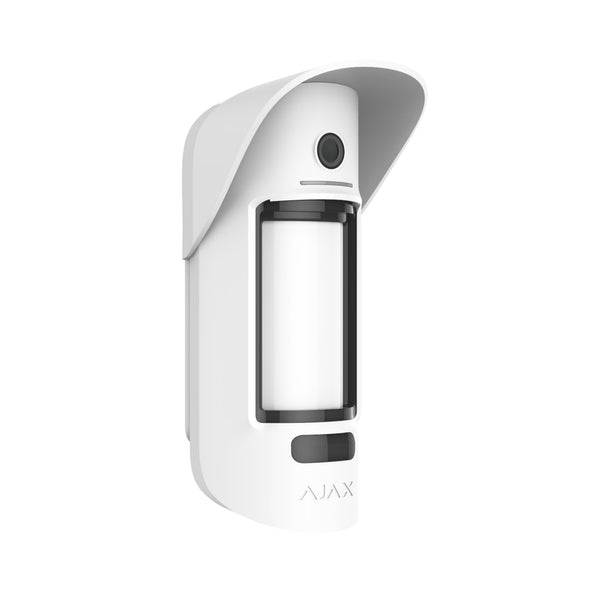
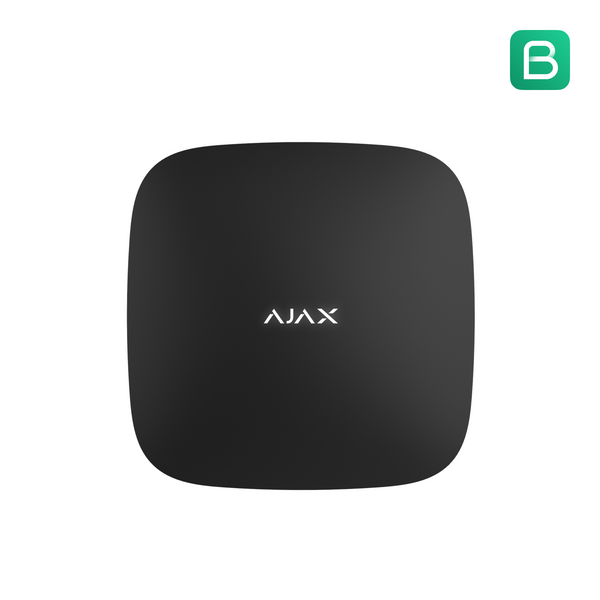
Four devices built to work together from the first setup: Hub 2, a MotionCam photo-verification detector, a DoorProtect opening sensor, and a SpaceControl key fob with a panic button. When MotionCam trips, it captures a burst of photos and Hub 2 delivers the first one to your phone or the monitoring station in up to 9 seconds at the default image resolution, so an alarm comes with evidence attached, not just a guess.
Hub 2 stays online through three independent paths at once, Ethernet plus two SIM slots, switching automatically within seconds if one drops, backed by a battery that keeps the system running through a power outage for up to 15 hours with Ethernet disabled. Cellular coverage depends on the panel variant: Hub 2 (4G) carries 2G, 3G and LTE, while Hub 2 (2G) is 2G only. DoorProtect covers the door itself with a British-made reed switch Ajax rates for over 2,000,000 openings, and SpaceControl lets anyone in the household arm, disarm, or call for help without opening an app.
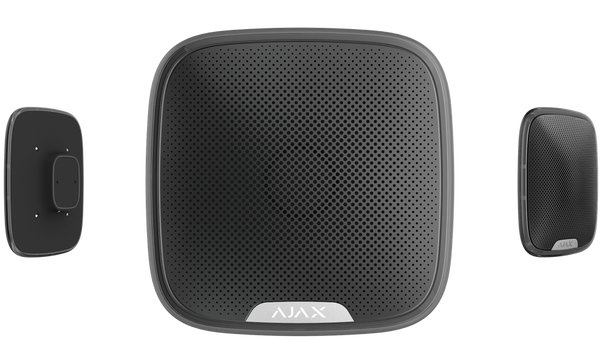
Setup follows the same pattern as every Ajax device: SmartBracket mounts, QR-code pairing, and full remote configuration afterward, no wiring and no return visit needed to adjust a setting. One thing to plan for: Hub 2 has no internal sounder, so add a HomeSiren or StreetSiren if you want the alarm heard on site.
- Includes: Hub 2, MotionCam, DoorProtect, SpaceControl key fob
- Photo alarm verification in up to 9 seconds at default resolution
- 3 independent communication channels: Ethernet plus 2 SIM
- Expandable to 100 devices, 50 users, 9 security groups, 5 range extenders
- Up to 15 hours backup battery with Ethernet disabled
- Siren sold separately. The panel itself has no built-in sounder