Access Control
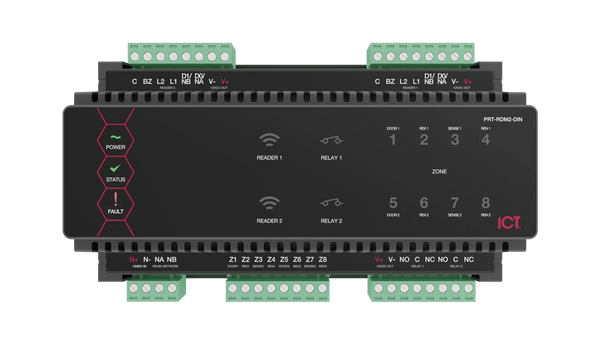
ICT Protege WX 2-Door DIN Rail Controller
- Brand
- ICT
- Model
- PRT-WX-DIN
- Part number
- PRT-WX-DIN
- Availability
- Ordered on demand
- Datasheet
- Manufacturer specifications ↗
Offices, apartment blocks and single buildings needing access control and alarm on one controller
Request a quoteSpecifications
| Platform | Protege WX, web-managed |
|---|---|
| Doors | 2 (4 readers, entry and exit) |
| Inputs | 8 multi-purpose |
| Outputs | 2 Form C relays, 1 monitored bell output, 4 low current outputs |
| Network | Onboard 10/100 Ethernet |
| Alarm reporting | ArmorIP, Contact ID, SIA Level 2 |
| Expansion | RS-485 module network |
| Processor | 32-bit RISC with 2GB memory |
| Mounting | DIN rail, indoors within the protected area |
What this is for
The controller that holds the credentials, access levels and door rules for a building, managed from its own built-in web interface rather than from software on a PC. Because the rules live in the controller, the doors keep working when a computer or server does not.
It controls two doors with entry and exit readers onboard, and adds alarm and building automation on the same unit: arming an area, switching lights, or unlocking a door on a schedule. Alarms report over the onboard Ethernet using ArmorIP, Contact ID or SIA.
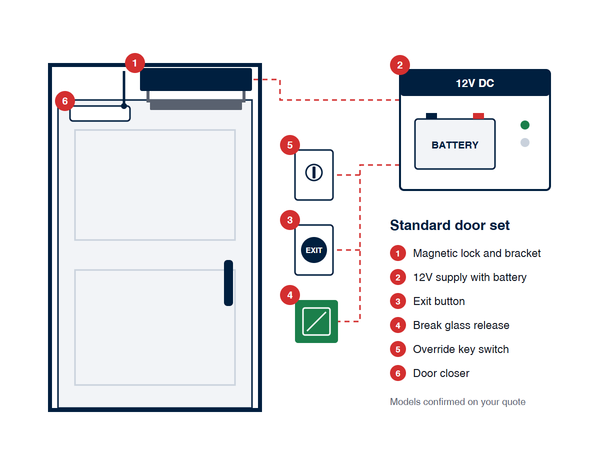
The controller is the brain, not the whole door. A working door also needs a 12V supply with battery backup, an enclosure, readers, the lock and its power, a door contact and an exit button. Send us the door schedule and we scope the rest.
What you also need
This item is part of a system. A working installation needs each of these.
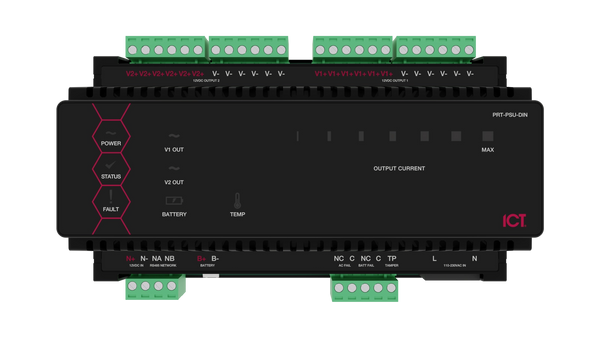
- ✓ A 12V DC supply with battery backup, such as the Protege DIN Rail 4A power supply and a 7Ah battery
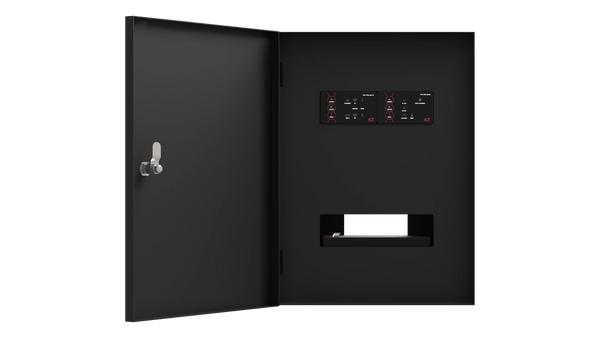
- ✓ A lockable DIN rail enclosure
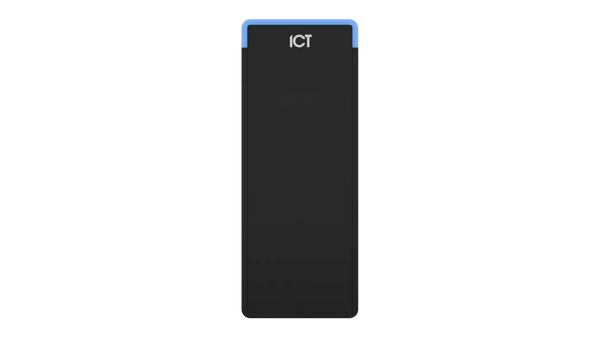
- ✓ Readers for each door, such as ICT tSec readers
- ✓ Locks, door contacts and exit buttons for each door
- ✓ A Protege third-party reader licence for each Suprema terminal connected as a smart reader, quoted per reader